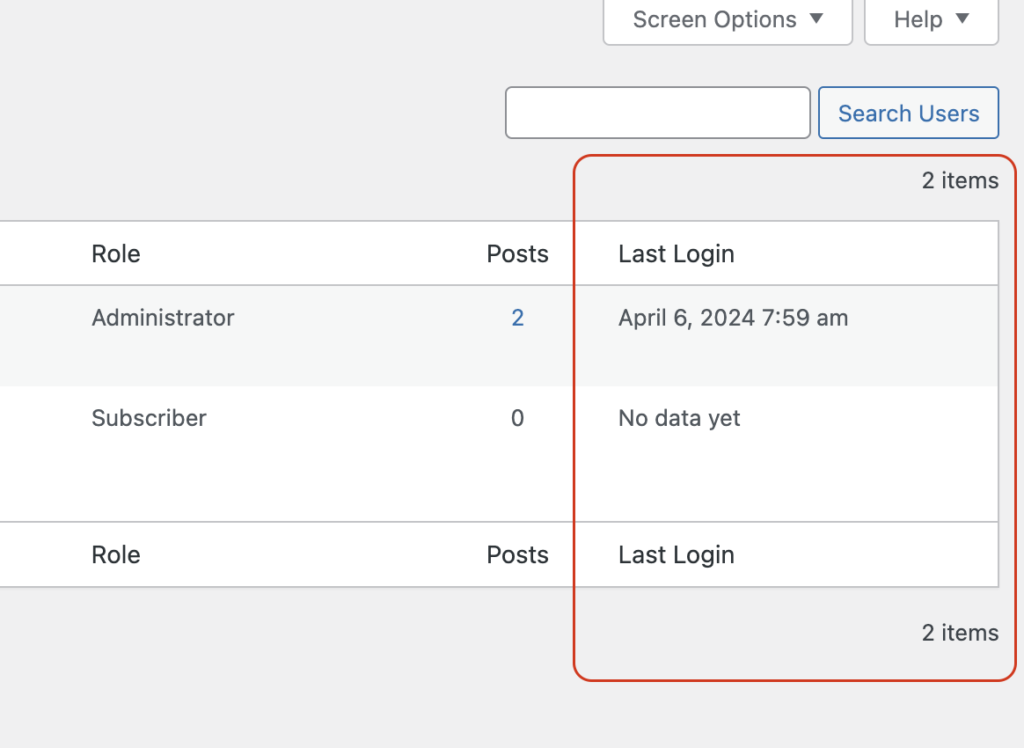
User Last Login Timestamp in WordPress
WordPress User Last Login Timestamp – Displays the exact date and time a user last logged into your website, helping you track user activity.
Let’s activate the User Last Login Timestamp module:
Step 1 – Setup:
- Log in to your WordPress website.
- Make sure you have UltimaKit for WP installed and activated.
- Go to the “WP UltimaKit” menu.
- Find the “User Last Login Timestamp” and turn it on.